
"Why is My Geek Bar Flashing Red? A Human's Guide to Solving This Blinking Mystery"
Alright, folks! Let's dive into the mysterious world of flashing vape devices. Ever been chilling on your couch, ready to enjoy your beloved Geek Bar, only to be rudely interrupted by a flashing red light? If you're anything like me, your first reaction might be a mix of confusion ("Did I break it?") and irritation ("Not now, please!"). Believe me, I've been there.
What's with the Red Light, Anyway?
Before we jump to conclusions, let's dissect this little conundrum. A flashing red light on your Geek Bar usually means one thing: your device is trying to communicate with you. Is it a cry for help? Maybe! Most commonly, it indicates a low battery, but there could be other gremlins at play. And yes, it can be as frustrating as when your phone dies just when you're about to capture the perfect sunset pic.
Geek Bar Woes: Real Stories, Real Frustrations
Scrolling through Reddit, I stumbled upon tales from fellow vapers who've been in the same boat. One user shared, "I was panicking at first, thinking I'd have to toss it out. Turns out, I just needed to recharge it. Simple fix!" Another chimed in, "I thought mine was defective, but it was just a minor connection issue. A quick clean-up resolved it." These stories remind us we aren't alone in our vaping adventures, and sometimes, the solution is simpler than we think!
What Can You Do? Quick Fixes that Actually Work
Now, let's get practical. If your Geek Bar is flashing red, here are a few steps you can try:
- Recharge: The most obvious solution! Ensure your device is fully charged before using it again.
- Check Connections: Make sure everything is snug and secure. Sometimes, it's just a loose connection throwing a tantrum.
- Clean It Up: Dust and debris can mess with your device's functionality. A gentle wipe might just do the trick.
Why We Love Our Geek Bars (Flashes and All!)
Despite the occasional hiccup, there's something undeniably satisfying about the Geek Bar experience. The flavors, the feel, the sheer convenience... it's like having a pocket-sized party. And while a flashing red light might momentarily rain on our parade, it's just a small bump on our vaping journey.
For more on this, check out That Vape Club where you'll find a treasure trove of tips and tricks!
FAQs
- Why is my Geek Bar not charging? Ensure you're using a compatible charger and the port is clean.
- What does a flashing red light mean? Typically, it's a low battery warning, but also check for connectivity issues.
- How long should I charge my Geek Bar? Most devices fully charge within an hour, but consult your manual for specifics.
Written by a certified vaping specialist with 5+ years of hands-on experience.
Related Articles
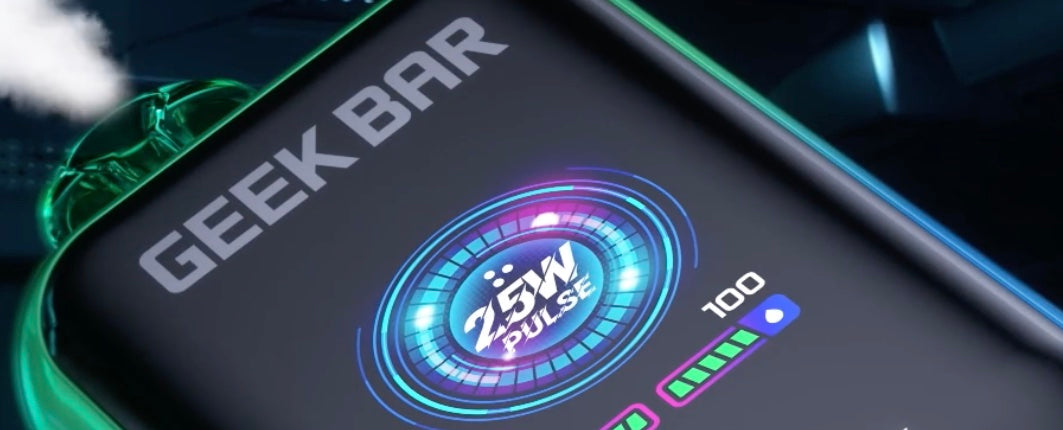
Why Is My Geek Bar Flashing Red? 5 Quick Fixes
Geek Bar flashing red? The fix is probably simpler than you think. Get your device working now with these quick tips.


